
Which PS3 Models Play PS2 Discs? (Complete Backwards Compatibility List)
A complete list of every PlayStation 3 model that supports native PS2 disc playback, including full hardware and hybrid backwards compatible revisions.

Only four PlayStation 3 model families can play PlayStation 2 discs: CECHAxx, CECHBxx, CECHCxx, and CECHExx. Every other PS3 model, including all Slim and Super Slim revisions, cannot read PS2 game discs.
Many listings describe early PS3 consoles as “60GB backwards compatible.” That description is incomplete. The model number is what matters.
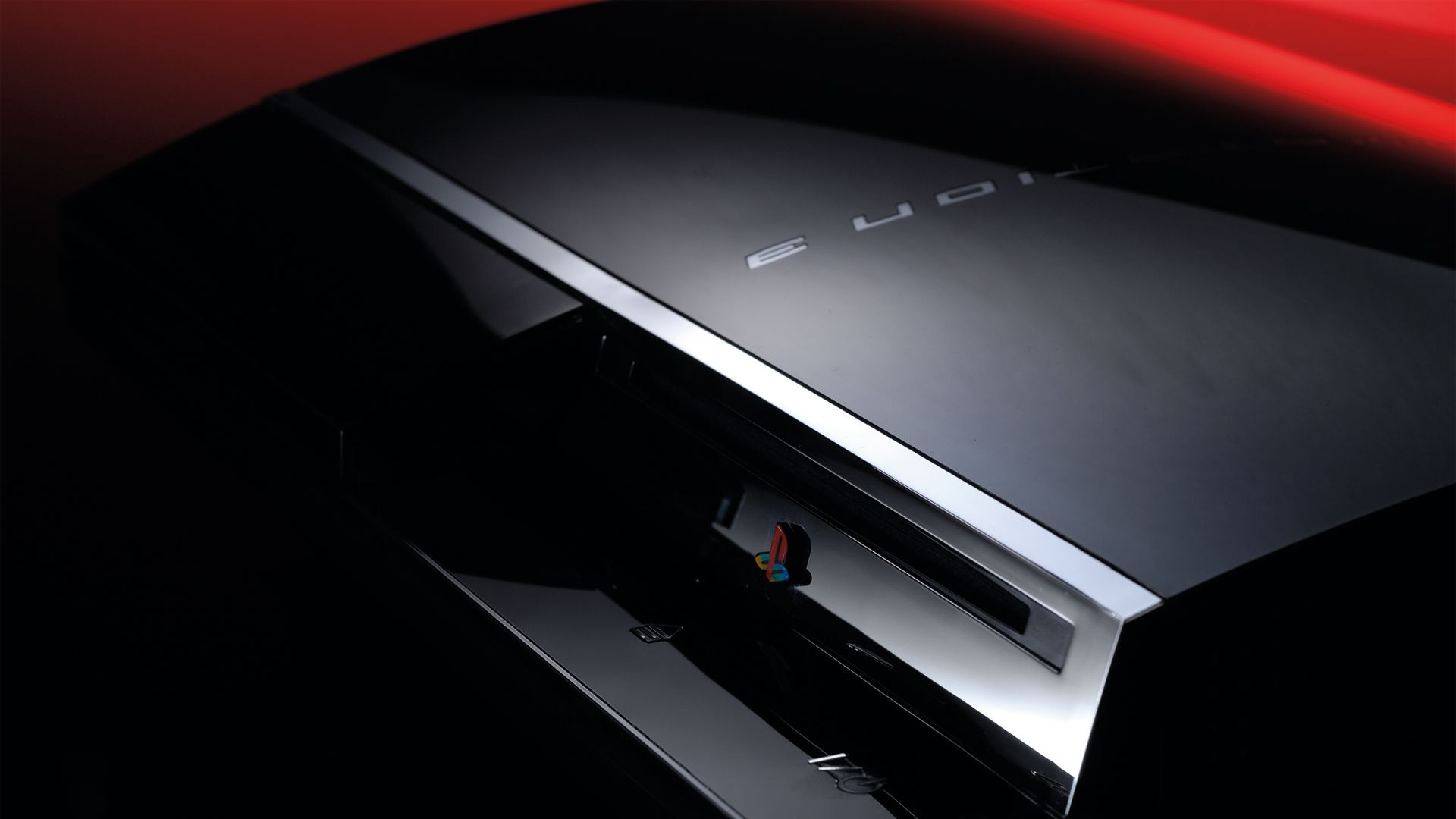
The Full Hardware Models
CECHAxx and CECHBxx
These launch-era systems contain both major PlayStation 2 chips:
Emotion Engine
Graphics Synthesizer
PS2 discs boot directly through embedded PS2 hardware inside the PS3. The console switches to a native PS2 display mode, and memory cards are handled through virtual PS2 memory cards created in the system menu.
Community testing consistently shows 98–99% compatibility across broad libraries on these models.
Common examples include:
CECHA00 in Japan
CECHA01 in North America
CECHB00 and CECHB01 launch models
These are widely considered the definitive backwards compatible PS3 units.
In 2026, these premium models often command higher prices due to demand and scarcity. They are also the oldest hardware in the lineup and can be more prone to YLOD and overheating if not properly maintained.
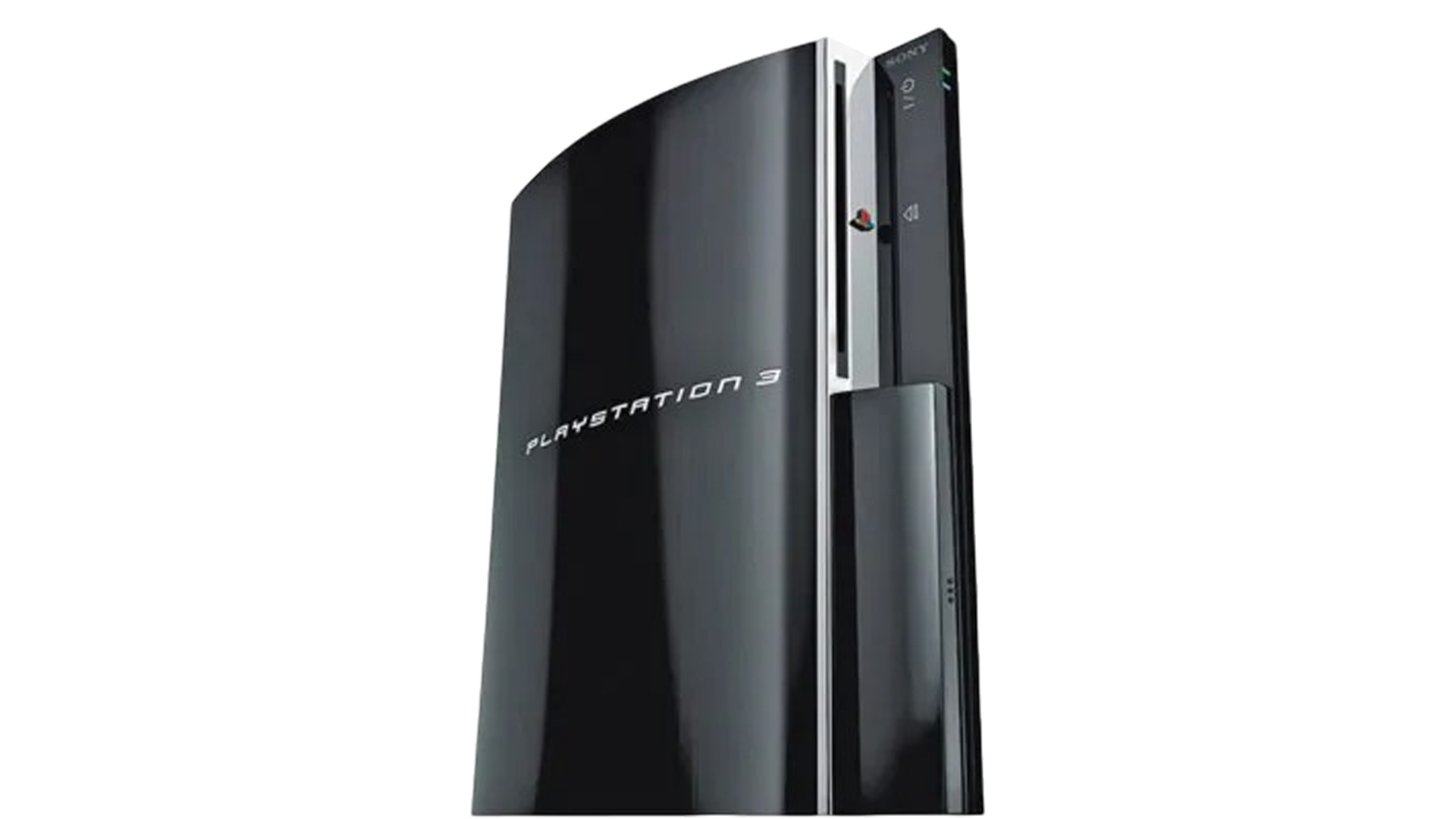
The Hybrid Models
CECHCxx and CECHExx
CECHCxx was primarily the 60GB launch model in PAL regions such as Europe and Australia.
Example: CECHC01
CECHExx followed as an 80GB model in North America in 2007.
Example: CECHE01
With these revisions, Sony removed the Emotion Engine but retained the Graphics Synthesizer.
The PS2 CPU functions are handled through software emulation on the Cell processor, while graphics processing remains hardware-based. This configuration is commonly described as hybrid compatibility.
Community testing typically places hybrid compatibility in the 85–95% range across broad libraries. Issues tend to cluster in technically demanding or niche titles rather than mainstream releases.
Reported issues can include:
FMV stuttering
Audio desynchronization
Frame pacing instability
Graphical corruption
Rare cases where a game refuses to progress
Many players never encounter problems, especially with popular titles. For most users, hybrids offer strong compatibility at a lower price and often with fewer long-term reliability concerns compared to CECHA or CECHB units.
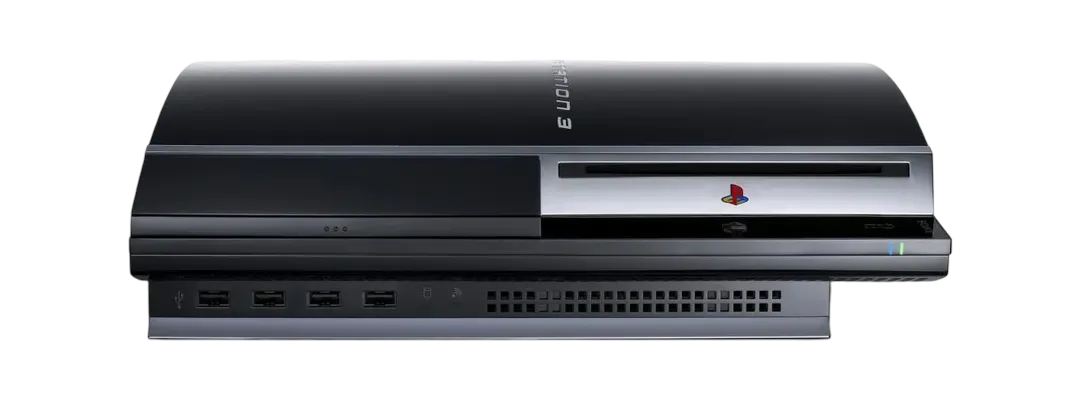
Where Compatibility Ends
Starting with CECHGxx, Sony removed the remaining PS2 hardware entirely.
From that point forward:
CECHG through CECHQ Fat models
All Slim models including CECH-20xx, CECH-21xx, CECH-25xx, and CECH-30xx
All Super Slim models including CECH-40xx, CECH-42xx, and CECH-43xx
cannot play PlayStation 2 discs.
After CECHExx, the PS3 motherboard no longer contained any PlayStation 2 silicon. Disc-level compatibility was physically gone, not disabled by firmware. No software update can restore native PS2 disc playback on later models.
How to Identify One in Seconds
Turn the console around and check the model number printed on the rear label. Do not rely on hard drive size or seller descriptions.
If it begins with:
CECHA
CECHB
CECHC
CECHE
it plays PS2 discs.
Anything else does not.
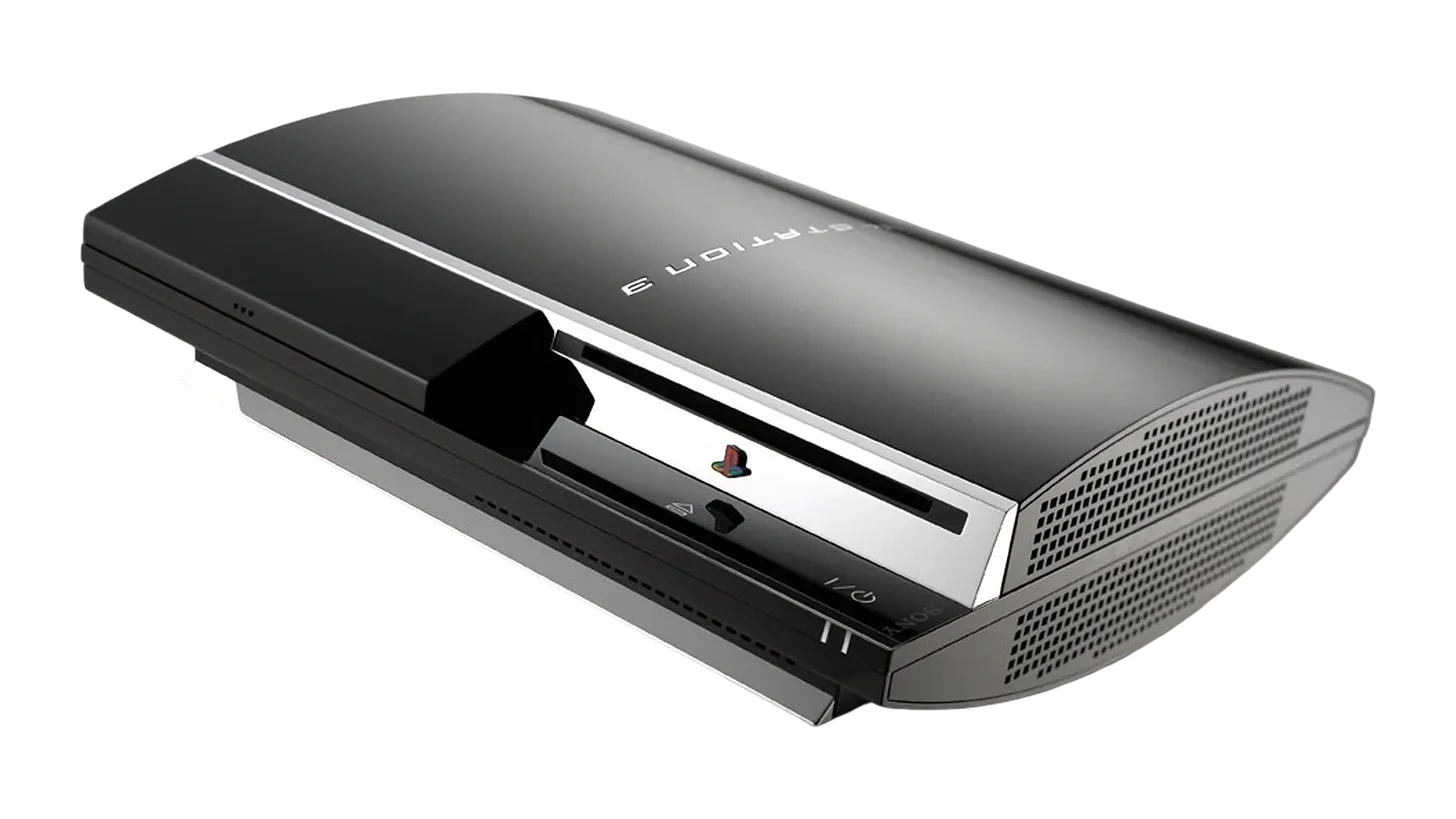
As a quick visual cue, all backwards compatible Fat models have four USB ports on the front. Later non-compatible Fat models have only two. Slim and Super Slim systems always begin with CECH-2xxx, CECH-3xxx, or CECH-4xxx and never support PS2 disc playback.
The Rule That Never Fails
If it is A, B, C, or E, it plays PS2 discs.
Everything after E does not.
FAQ
Which PS3 models play PS2 discs?
Only CECHAxx, CECHBxx, CECHCxx, and CECHExx.
Are any PS3 Slim models backwards compatible with PS2 discs?
No.
Are any PS3 Super Slim models backwards compatible with PS2 discs?
No.
Does CECHG play PS2 discs?
No. CECHG is the first model where PS2 disc playback was removed completely.
Documentation Note
Model classifications and hardware distinctions in this article are based on Sony hardware documentation, regional launch records, collector motherboard verification, and compatibility testing documented by enthusiast communities such as PSDevWiki and long-form hardware retrospectives.
For a deeper technical explanation of how backward compatibility works on the PlayStation 3 and how it evolved over time, see PS3 backward compatibility explained.
If you are evaluating the platform more broadly today, see Is PlayStation 3 Worth Buying in 2026?