
PlayStation 2 Backward Compatibility Explained
How PS1 games actually run on the PS2, why compatibility differs by model, and how to fix it today.

PlayStation 2 backward compatibility, often referred to as backwards compatibility, allows most PlayStation 1 games to run directly on PS2 hardware, but it was never universal or identical across models. Sony achieved compatibility by reusing key PS1 components inside early PS2 systems, then gradually replacing them with software-based solutions as manufacturing costs dropped. The result is a spectrum of behavior. Some PS2 models run PS1 games with near-original accuracy, while others introduce timing errors, FMV glitches, audio dropouts, or crashes.
This article explains how PS2 backward compatibility actually works at the hardware level, why compatibility differs between Fat and Slim models, and why late Slim systems behave differently despite sharing the same branding. It documents the most common PS1 issues on PS2, including graphics artifacts, sound and FMV problems, regional differences between PAL and NTSC releases, and the real limits of Sony’s approach. If you are trying to decide which PS2 model is best for playing PS1 games today, this guide breaks down every major revision and ends with clear buying advice based on accuracy, reliability, and real-world behavior in 2026.
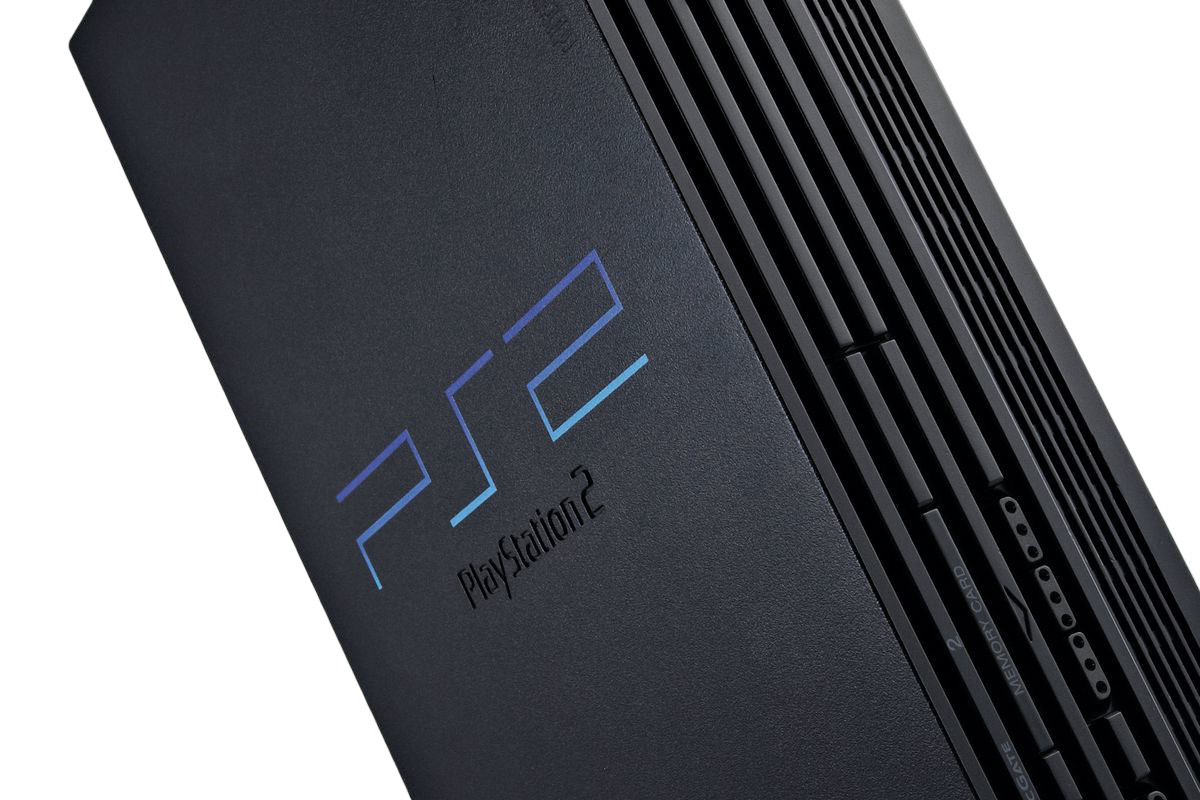
What Backward Compatibility Means on PlayStation 2
Backward compatibility on the PlayStation 2 was never a single switch Sony flipped. It was a layered execution strategy shaped by launch pressure, cost constraints, and the need to make the PS2 immediately useful to existing PlayStation owners. Sony’s objective was not preservation or perfect fidelity. The goal was coverage. Most PS1 games needed to work well enough that buying a PS2 did not mean abandoning an existing library.
With roughly 7,900 PlayStation 1 titles worldwide once regional variants are counted, Sony never aimed to support every edge case. Instead, the company targeted the broad middle of the catalog, accepting that some titles would exhibit issues. That philosophy explains every technical compromise that followed.
The Hardware Decision That Made PS2 Backward Compatibility Possible
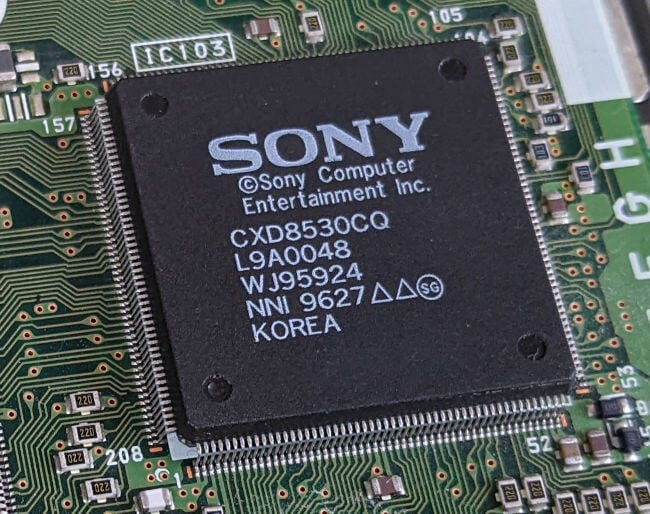
Sony embedded the original MIPS R3000A–derived CPU, running at approximately 33.8 MHz, directly onto the PlayStation 2 motherboard. In PS2 software, this chip functions as the system’s Input Output Processor. When a PlayStation 1 disc is inserted, that same processor resumes its original role and executes PS1 code natively. There is no CPU emulation layer, no instruction translation, and no timing guesswork involved. The code runs on the processor it was written for.
This design applies to every Fat PlayStation 2 model from SCPH-10000 through SCPH-500xx, as well as the early Slim SCPH-700xx line. These systems retain a physical PS1 CPU, which is why early PS2 hardware achieved unusually high backward compatibility for a full generational transition.
Why PS2 Backward Compatibility Was Never Exact
While Sony preserved the PS1 CPU, it did not carry forward the entire PS1 hardware stack. The most significant omission was the original PS1 graphics processor, and its absence defines many of the compatibility limitations that appear across all PS2 models.
PS1 Graphics on PS2: Interpreted, Not Replicated
Instead of replicating the PS1 GPU, Sony chose to interpret PS1 draw commands and re-execute them on the PlayStation 2’s Graphics Synthesizer. This architectural decision produces a consistent set of visual artifacts that are present regardless of PS2 revision.
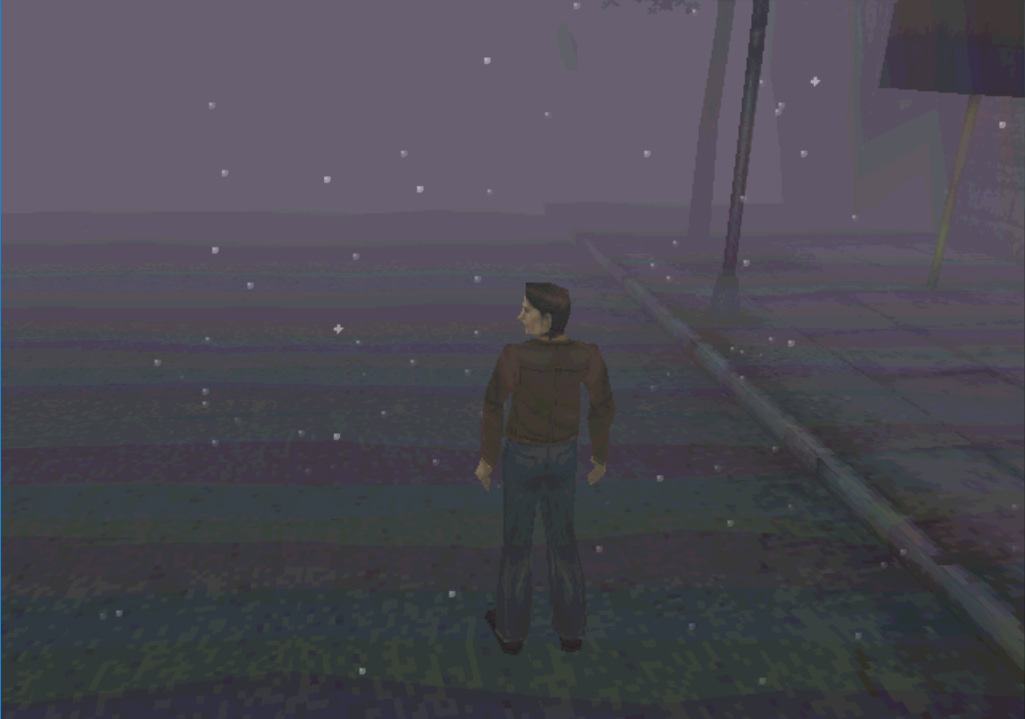
The most visible example is color banding caused by the loss of PS1 dithering, particularly noticeable in fog gradients such as those used in Silent Hill. These artifacts become more pronounced over component or RGB output, where composite blur no longer masks the missing dithering. Transparency tricks that relied on undocumented PS1 GPU behavior can also fail, and certain engines exhibit texture corruption. These behaviors are architectural artifacts, not bugs introduced by specific PS2 revisions.
PS1 Audio and FMV Issues on PS2
Audio and full-motion video issues stem from Sony’s partial re-implementation of PS1 CD seek timing and SPU behavior. In practice, this results in FMV audio dropouts in titles like Resident Evil 2 and Resident Evil 3, missing background music in games such as Gundam: Battle Assault, and FMV playback drift in Legend of Mana.
These issues exist across the entire PS2 family, but they become more frequent as Sony moves away from original hardware and relies increasingly on software abstraction. The behavior reflects assumptions PS1 developers made about hardware timing that later PS2 revisions no longer guarantee.
PS2 Models and Backward Compatibility Differences
The common “Fat versus Slim” framing is misleading. The real divide is architectural. Early PS2 systems retain a physical PS1 CPU, while later Slim models do not.
Fat models produced between 2000 and 2004, along with early Slim systems released in 2004 and 2005, execute PS1 code using native hardware and achieve the highest overall compatibility. Late Slim models produced from 2005 onward remove the physical PS1 CPU entirely and rely on a software-based environment known as Deckard. This transition introduces timing and FMV regressions that do not occur on earlier systems.
Among Deckard-based systems, the SCPH-900xx represents the endpoint of cost reduction. Differences among late Slims are marginal, but the 900xx is generally regarded as the most software-reliant configuration
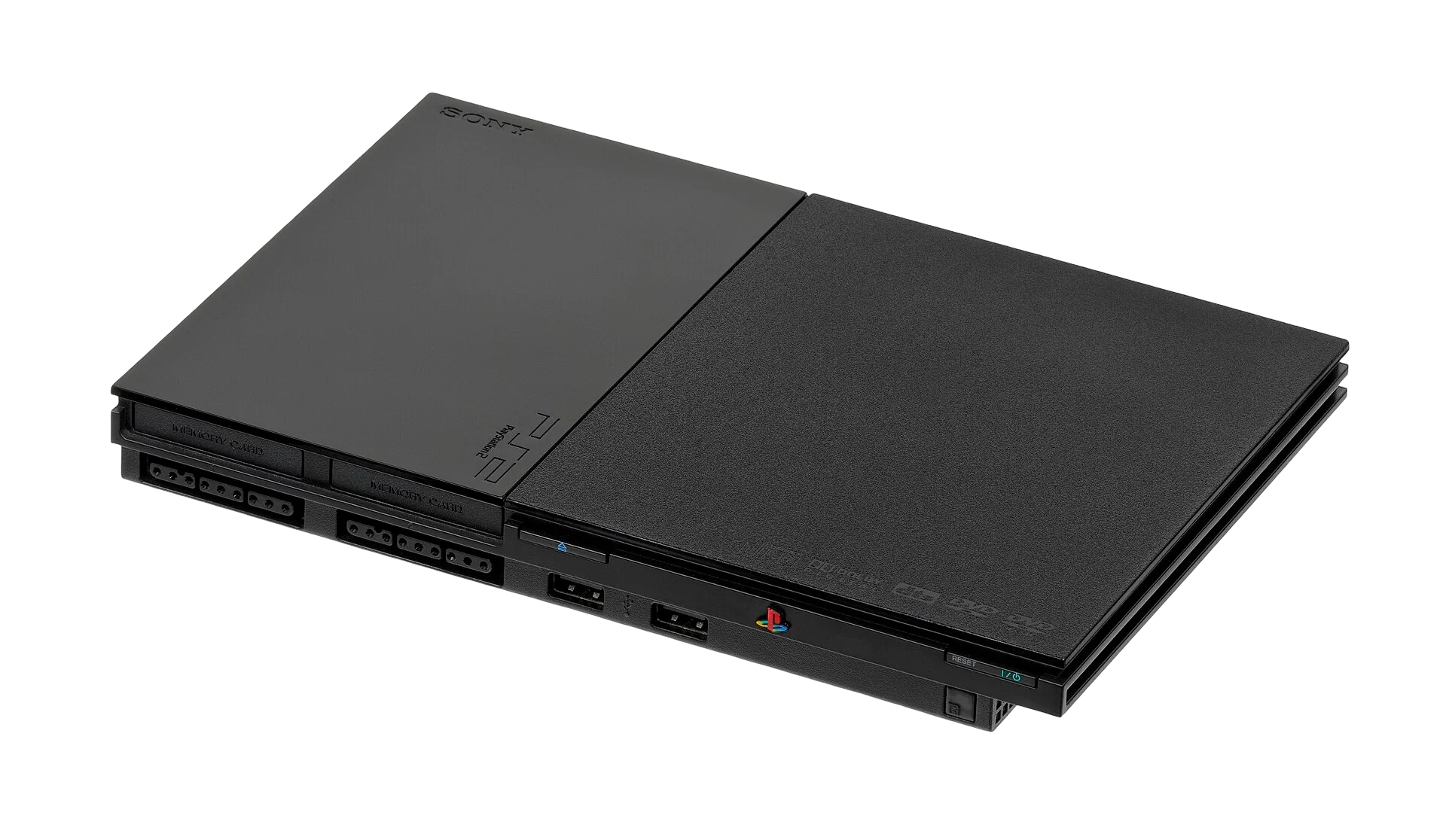
Late Slim PS2 Models and the Deckard Environment
In late Slim PlayStation 2 models, Sony replaced the physical MIPS R3000A with a software-based Input Output Processor known as Deckard. This system runs on a PowerPC subsystem and performs real-time instruction translation while emulating the full PS1 I O environment.
The change significantly reduced manufacturing costs, but it also invalidated timing assumptions that many PS1 games relied on. Deckard does not simply emulate instructions. It approximates behavior, and that approximation is where compatibility fractures begin to appear.
Known PS1 Game Compatibility Issues on Late PS2 Slims
Deckard-based systems exhibit a predictable set of failures that do not occur on Fat models or the SCPH-700xx Slim line. Chrono Cross can fail during its ending FMV, Crash Bash is known to freeze, Spyro 3 suffers from frame pacing issues, Resident Evil 3 exhibits audio glitches, and The X-Files can crash during video playback. All of these titles function correctly on PS2 systems that retain a physical PS1 CPU.
Sony’s official regional compatibility lists understate the scope of these issues. Community documentation consistently reports a broader and more repeatable failure set than Sony ever publicly acknowledged.
PAL vs NTSC PS1 Compatibility on PS2
Regional differences further complicate compatibility on Deckard-based systems. PAL releases introduce additional variables, including LibCrypt protections that can trigger boot failures or post-intro freezes. NTSC-J titles generally show fewer reported issues, reflecting differences in both copy protection and timing assumptions.
As a result, compatibility statistics vary not just by PS2 model, but by region.
PS2 PS1 Driver Menu Explained
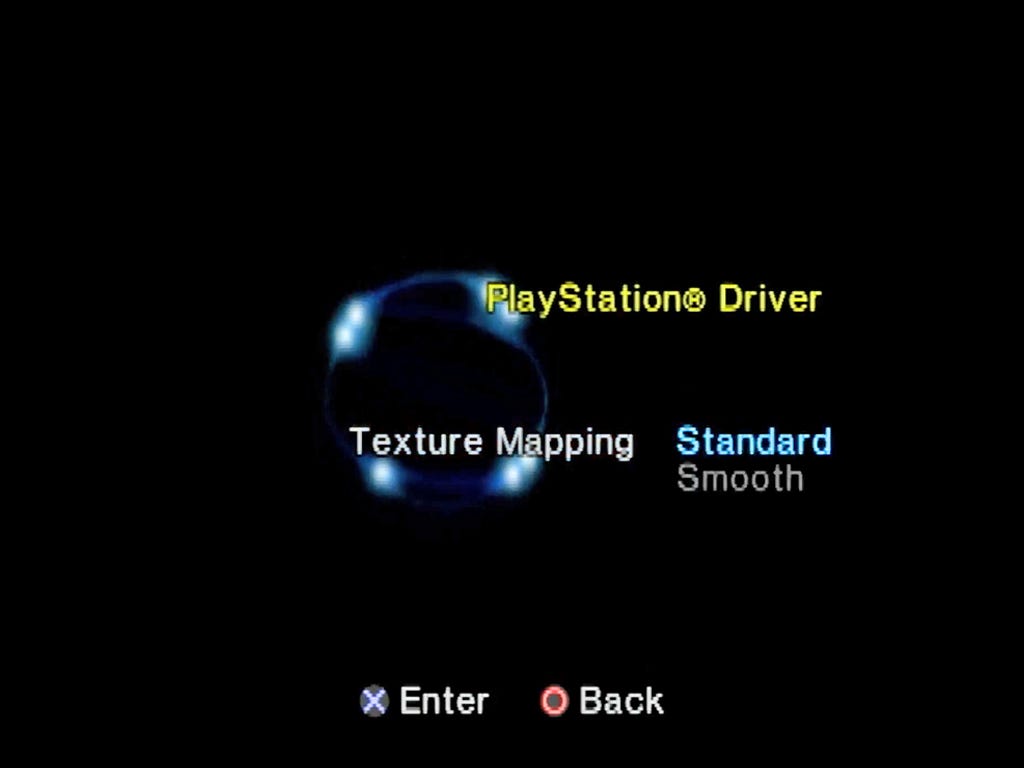
The PlayStation 2 exposes a limited PS1 driver menu accessible by pressing Triangle on a PS1 disc within the System Browser. This menu provides control over texture mapping and disc speed, but the options apply globally rather than on a per-game basis.
Bilinear texture filtering can improve 3D titles but often introduces visible seams in sprite-based games such as Symphony of the Night or Mega Man X4. Enabling fast disc speed may reduce loading times but can break FMV playback in titles like Final Fantasy VIII or Lunar. These settings reset on every boot and offer only coarse control over compatibility behavior.
PS1 Games on PS2 and the 240p Black Screen Problem
PlayStation 1 games run at 240p and are passed through natively by the PS2. Many modern televisions cannot display 240p over component, resulting in a black screen despite the console functioning correctly.
Reliable solutions include RGB SCART, dedicated scalers such as the OSSC or RetroTINK, or quality HDMI mods. The PS2 does not upscale PS1 games automatically.
PS1 Memory Cards on PlayStation 2
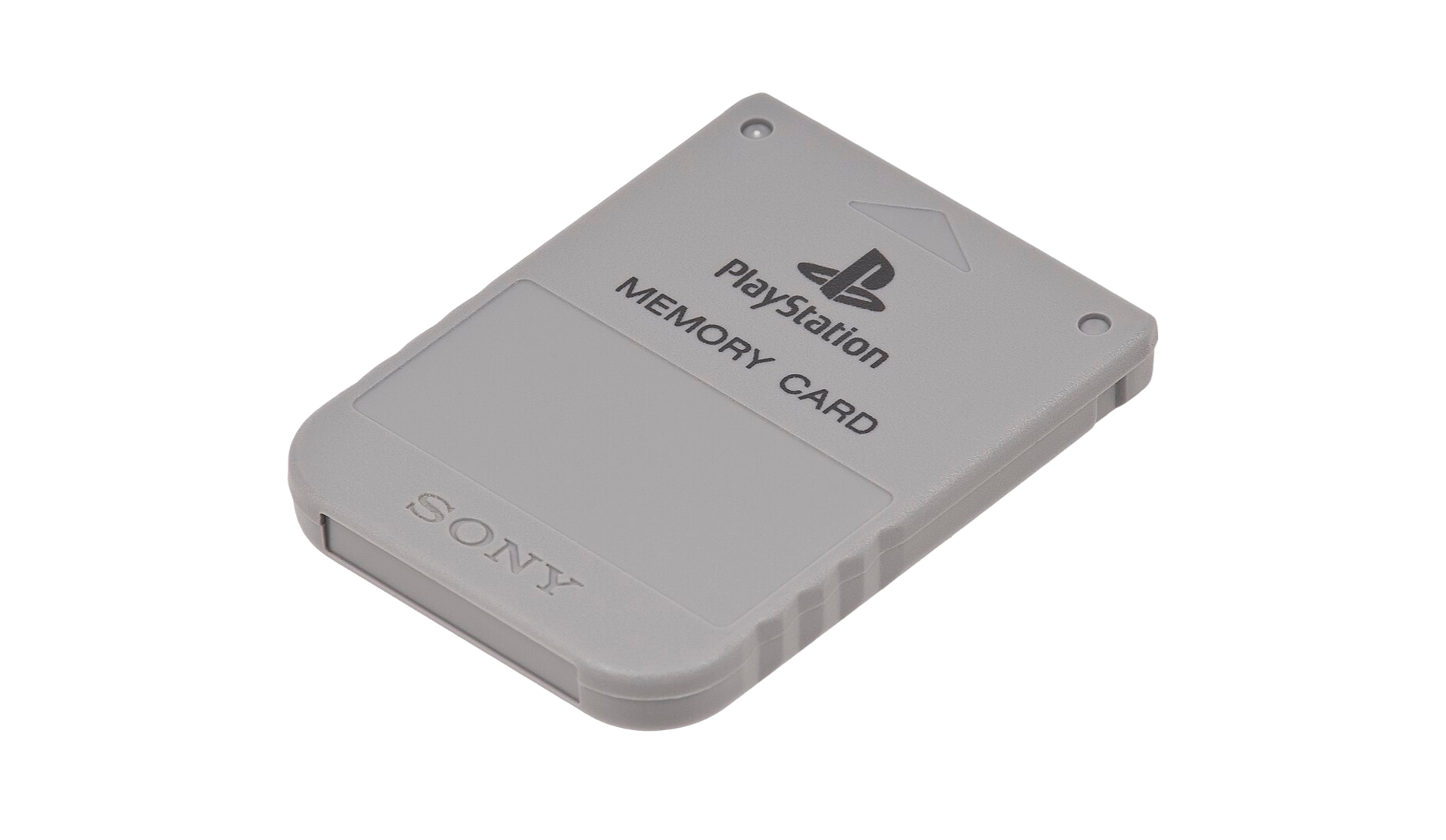
PlayStation 1 games running on a PS2 still require original PS1 memory cards. PlayStation 2 memory cards cannot store PS1 save data directly, though saves can be copied between PS1 and PS2 cards using the system browser. The PS2 does not abstract or virtualize PS1 save behavior. It simply passes memory card access through unchanged.
PS2 Backward Compatibility Fixes in 2026 (Homebrew Reality Check)
Homebrew does not bypass Deckard on late Slim systems because Deckard is the Input Output environment. Entry points such as FreeMCBoot, FreeDVDBoot, and MechaPwn primarily provide access and region flexibility rather than restoring original PS1 hardware behavior.
For years, the most effective fixes came from Deckard registry patches that repaired Sony’s incomplete compatibility tables. These patches restored missing flags, corrected timing assumptions, and reduced FMV and audio failures without replacing the underlying driver. That approach remains valid, but by 2026 the scene has largely moved beyond isolated patches.
The modern solution is DKWDRV, a unified replacement for Sony’s PS1 driver that runs on both Fat and Slim PlayStation 2 models. Rather than selectively correcting Sony’s tables, DKWDRV replaces the driver layer itself, allowing behavior Sony never exposed. It can force-enable PS1 dithering to reduce harsh color banding in titles like Silent Hill, and it supports per-game configuration files that save automatically. This eliminates the need to reapply settings or rely on global toggles and finally brings fine-grained control to PS1 execution on PS2 hardware.
Software loaders such as POPStarter, which rely on Sony’s POPS emulator, remain a last resort. They do not exceed Deckard’s accuracy and frequently introduce new issues rather than resolving existing ones. In practice, a native disc running through a patched or replaced PS1 driver environment remains the most reliable path.
Memory management has also evolved as well. While PS1 games still fundamentally require PS1 memory cards, the standard enthusiast solution in 2026 is the Memcard Pro 2. Instead of relying on aging physical cards, it uses an SD card to create unlimited virtual PS1 and PS2 memory cards and automatically switches based on the game ID being loaded. Native save behavior is preserved, while reliability and convenience are dramatically improved.
Taken together, these tools do not change the architectural limits Sony built into the PlayStation 2. What they do is remove many of the practical frustrations that once made those limits feel arbitrary or unavoidable.
Why PlayStation 2 Backward Compatibility Has Limits
Sony optimized for cost, manufacturing scale, and launch coverage, not preservation or edge-case accuracy. Those priorities were set early, shaped by the realities of the PlayStation 2 launch, when Sony needed the system to scale globally, ship in volume, and feel immediately valuable to existing PlayStation owners.
Which PS2 Model Is Best for PS1 Games? (Buyer’s Guide)
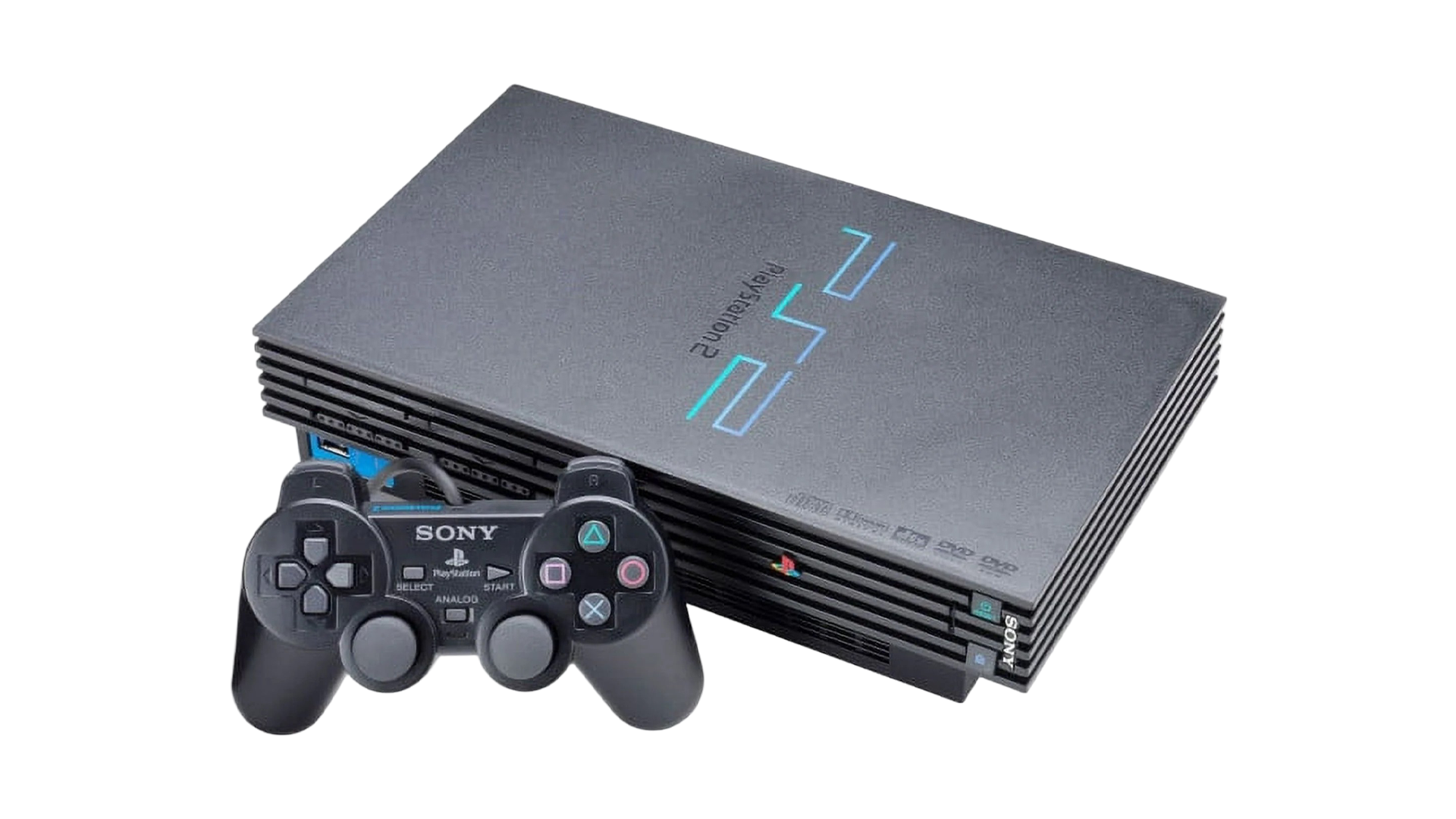
If PS1 accuracy is the priority, Fat PlayStation 2 models such as the SCPH-39001 or SCPH-50001 remain the best option. These systems retain a real PS1 CPU, exhibit the fewest timing and FMV issues, and are the safest choice for long RPGs and preservation-focused play, though they are larger, noisier, and rely on aging optical drives.
For a smaller and quieter system without sacrificing compatibility, the SCPH-700xx early Slim models represent the best compromise. These units still contain the physical PS1 CPU and match Fat-model compatibility in most cases.
Late Slim models from the SCPH-750xx through SCPH-790xx range are usable with caveats. They rely on Deckard, introduce timing and FMV issues, and often require driver-level fixes to behave acceptably.
The SCPH-900xx should be avoided for PS1-focused use. It is the most software-reliant configuration and exhibits the highest incidence of Deckard-related regressions. It performs well for PS2 games but is not recommended when PS1 accuracy matters.
The rule of thumb is simple. If PS1 games matter, buy a Fat PS2 or an SCPH-700xx. If you already own a later Slim, expect to rely on fixes, not luck.
It's interesting how complex this hardware compatibility problm was.